If the server is slow, increase threads?
When I first joined the company, the Spring Boot API server I was in charge of was slowing down whenever there was a lot of traffic. Since I didn’t know the cause, I started by Googling.
“Spring Boot server slow response” “Tomcat performance tuning”
As a result of the search, the most common advice found on blogs and communities was simple. ‘Increase the Thread Pool size of Tomcat. Your request is waiting because there are not enough workers.’
I thought, “Aha, we’re short on workers!” I thought simply. I immediately opened the application.yml settings and increased the number of threads from the default of 200 to 2,000. According to my calculations, the number of workers increased 10 times, so the processing speed had to be faster.
But after seeing the monitoring screen after deployment, I froze. The server actually moved more slowly, CPU usage soared, but the number of requests being processed actually decreased. It seemed as if the workers were just shoveling in the air without doing any work.
Why on earth did the number of workers increase, but the factory become slower? While digging into the reason, I came across the most expensive cost of the operating system, ‘Context Switching’.
Review: Threads, remember?
For those who are reading this article for the first time, or for those who are unfamiliar with the content of the previous article (Part 4: Processes and Threads), let’s rewind for a moment.
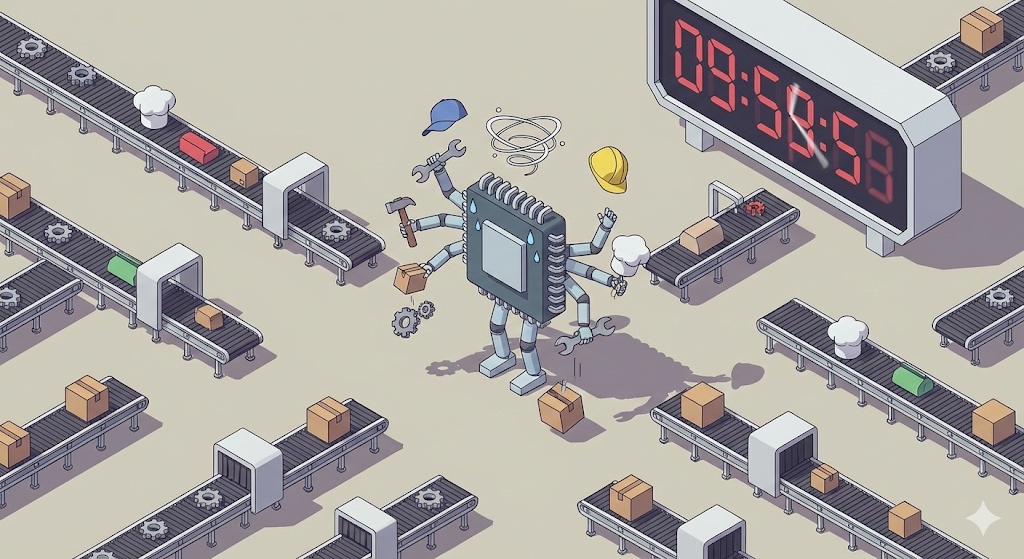
In our ‘digital logistics center’ worldview:
- Process: The factory building itself. (An independent space)
- Thread: The worker who actually does the work inside the factory.
Spring Boot is basically multi-threaded. Each time a request comes in, one worker (thread) is assigned to do the work. So I simply thought, “If there are more workers, more requests will be processed simultaneously, right?”
But there was something I overlooked. It is the number of CPU cores, the key workers in our factory.
Shift work in a digital distribution center
In fact, the CPU core, the core worker of a computer, can only do one task at a time. (Based on single core) However, we listen to songs, code, and use KakaoTalk at the same time. How is this possible?
This is because the factory manager (OS) orders the workers (CPUs) to ‘shift work’ at an incredibly fast speed. “Play the song for 0.001 seconds and stop! Send KakaoTalk for the next 0.001 seconds and stop!”
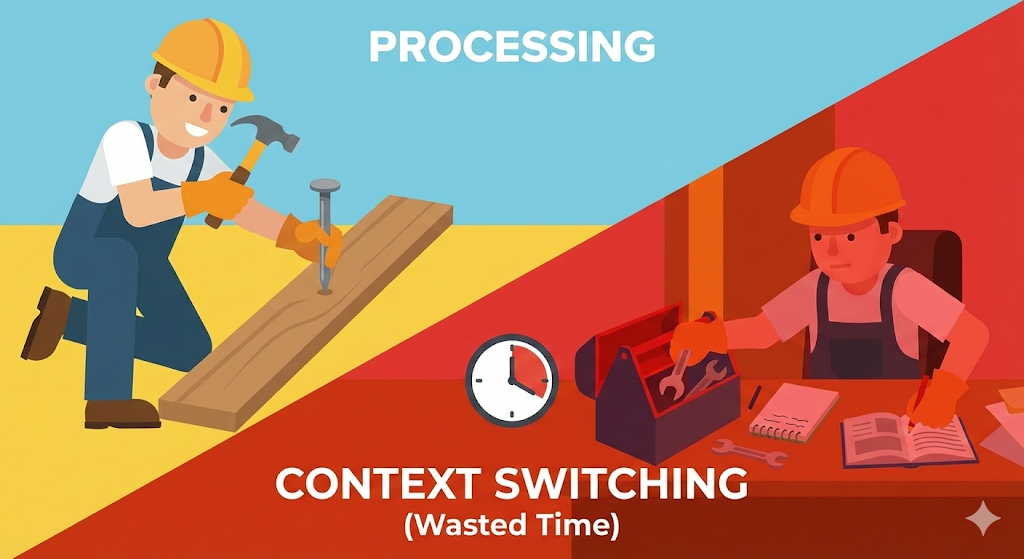
This is ‘Time Sharing’, and the process in which the worker puts down the tool and picks up a new tool is ‘Context Switching’.
The price of task switching: time to change clothes
This is what happened when I increased the number of threads to 2,000.
The CPU is a single body, with 2,000 thread workers shouting, “Get rid of it!” The CPU meets with 2,000 people continuously in turns to process work fairly.
The problem is that ‘preparation time’ is needed when moving from worker A’s work to worker B’s work.
- Record what A was working on (State) in the ledger.
- Put away everything on the workbench (Register).
- Read from the ledger where B left off last time (Load).
- Start B’s work.
This ‘time to record, put away, and read’ is called ‘context switching cost (overhead)’. When there are adequate workers, this cost is negligible. But what if there are too many workers? CPU falls into a situation where it organizes worker ledgers all day, but is unable to do any ‘actual work (calculation)’. This was the real reason my server was slow.
[Code Verification] Is it necessarily faster just because there are a lot of threads?
Seeing is worth hearing. Let’s prove it with code. Let’s compare the speed of performing the same amount of addition operations using one thread and dividing it into 1 million threads. Common sense suggests that 1 million units should be faster, but reality is different.
import java.util.concurrent.ExecutorService;
import java.util.concurrent.Executors;
import java.util.concurrent.TimeUnit;

public class ContextSwitchingTest {
    private static final int TASK_COUNT = 1_000_000;

    public static void main(String[] args) throws InterruptedException {
        // 1. Process with single thread (no shift work)
        long start = System.currentTimeMillis();
        for (int i = 0; i < TASK_COUNT; i++) {
            simpleTask();
        }
        System.out.println("Single thread time: " + (System.currentTimeMillis() - start) + "ms");

        // 2. Process with tons of threads (triggering context switching)
        // Create an unbounded thread pool (warning: may freeze your computer)
        ExecutorService executor = Executors.newCachedThreadPool();
        start = System.currentTimeMillis();
        for (int i = 0; i < TASK_COUNT; i++) {
            executor.submit(() -> simpleTask());
        }
        executor.shutdown();
        executor.awaitTermination(1, TimeUnit.HOURS);
        System.out.println("Multi-thread time: " + (System.currentTimeMillis() - start) + "ms");
    }

    private static void simpleTask() {
        int a = 1 + 1; // Very lightweight work
    }
}
Example results (varies by environment):
- Single-threaded: about 5ms
- Multi-threaded: about 3,000ms (or an OOM error)
Analysis: The task itself (1+1) is so simple that it can be completed in the blink of an eye. However, in the multi-threaded method, the cost of creating one million threads and having the operating system switch back and forth between them is thousands of times more expensive than the operation time. The belly button is bigger than the stomach
Lessons from practice: Finding the sweet spot
Then how many threads is appropriate for a Spring Boot server? The answer depends on “what the server does.”
- CPU-heavy tasks (video encoding, encryption):
- Adding more threads won’t help. Only as many threads as there are CPU cores can run at the same time anyway.
- Optimal number: number of CPU cores + 1
- Tasks with long wait times (DB queries, external API calls):
- Most web servers fall into this category. While one thread waits for a DB response (Blocking), other threads can use the CPU.
- Optimal number: It can be far higher than the number of CPU cores. (That’s why Tomcat’s default is 200.)
However, like the situation I experienced, blindly increasing the number to 2,000 is too much. This is because as the number of threads increases, more memory (stack) is consumed, and the CPU is overloaded due to context switching costs.
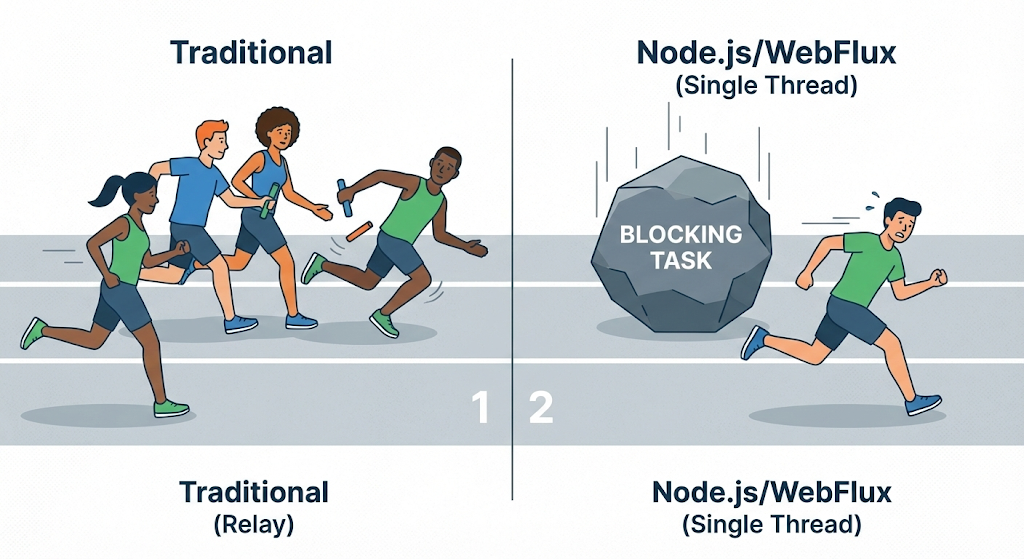
Recently, non-blocking technologies such as Node.js and Spring’s WebFlux are attracting attention to solve this problem. They use the strategy of “don’t increase the number of threads, let one person process quickly without stopping.”
Closing: There is no free lunch
We often mistakenly believe that “processing things at the same time is faster.” However, in the world of computers, ‘simultaneous’ is actually just high-speed shift work, which is almost a trick.
Once you understand context switching, you will see why server tuning is not just about “pumping up the numbers.” Indiscriminately increased threads can actually become a poison that chokes the server.
Now, the computer’s internal factories (CPU, RAM, Process) seem to be running quite well. Now, let’s open the factory door and go outside. How do we send data created in our factory to another factory (customer) far away?
Next time, we will talk about networks, HTTP, and that invisible road network.