What does a server computer actually look like?
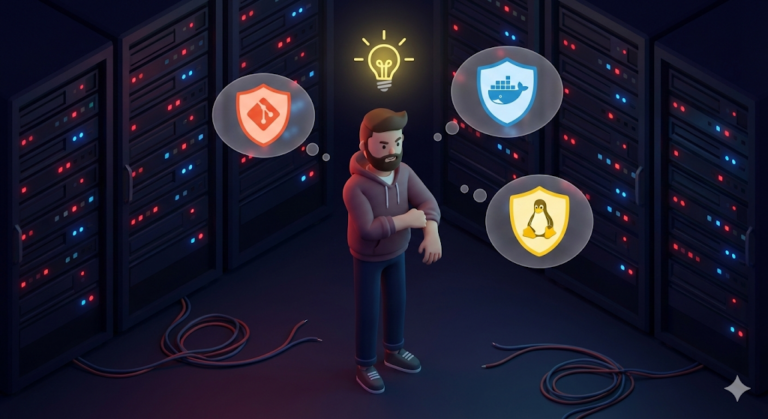
When I first started learning development, I had a vague fantasy about the ‘server.’ I imagined a giant supercomputer like something out of The Matrix, with green letters pouring down like rain, endless cables tangled everywhere, and huge machines glowing blue while humming dramatically.
But the first server room I saw in practice, an IDC, looked nothing like that image in my head. Those flat machines mounted in racks were, once you looked inside, just ordinary computers with CPUs, RAM, and SSDs, not all that different from my laptop.
So what exactly is it that makes my laptop a ‘personal PC,’ but makes that rugged-looking machine a ‘server’?
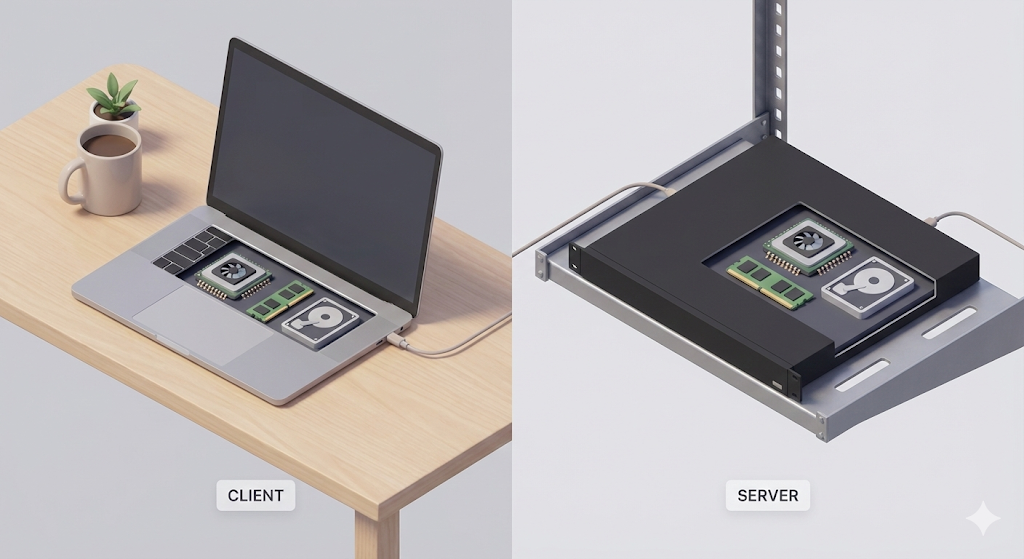
The one who serves (Server) vs. the one who asks (Client)
The definition of a server is actually very simple. It is the one that ‘serves.’ On the other side, the client is the one that makes the request.
- When I connect to Naver (Korea’s largest web portal): My laptop (Client) asks Naver’s computer (Server), “Give me the main page.”
- When I send a file to a friend: My laptop briefly plays the role of a file server, and my friend’s laptop becomes the client.
In other words, even my old laptop becomes a ‘server’ the moment I leave it on 24/7 and allow outside connections. But then why don’t we use my laptop as a server? Why do we pay good money to rent cloud servers like AWS EC2 and install the harder-to-use ‘Linux’ on them?
Why Linux of all things? (Why not Windows?)
Windows is genuinely convenient. You can just click around with a mouse, and it feels intuitive. So why do server developers insist on Linux, which seems to be nothing but a black screen?
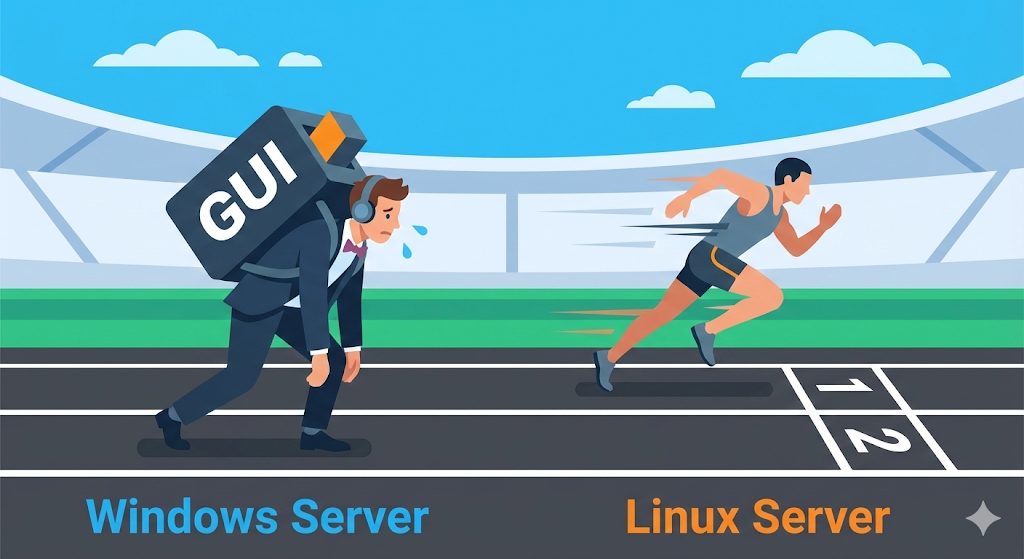
1. A GUI is a luxury (cost and efficiency)
When Windows boots, you get a desktop, icons, and a moving cursor. To keep all of that graphical UI running, the computer constantly spends CPU and memory. But a server does not need a monitor. It can sit on the other side of the planet and do nothing but process data. A Linux server, running as CLI, strips the graphics away and leaves only text. If Windows spends 30 out of 100 units of power drawing the screen, Linux can pour that full 100 into the service itself.
2. Freedom from forced updates (stability)
If you use Windows long enough, you eventually run into, “Restarting for updates.” On a personal PC, you can live with that by stepping away for a minute. But what if a server that is supposed to run 24/7 decides to shut down on its own? That is a disaster. Linux can often keep running for years without a reboot unless something major like a kernel update happens.
3. License cost (money)
Windows Server is expensive. Sometimes the price even depends on the number of CPU cores. Linux, on the other hand, such as Ubuntu or CentOS, is usually free and open source. For a company running thousands of servers, the answer is obvious.
Why not install Linux on top of Windows? (The opening act of virtualization)
At this point, a beginner developer, meaning the older version of me, gets a clever idea. “If Windows is easier, why not install Windows Server and run Linux inside it with a virtual machine?”
Of course you can. But that is like pitching a tent inside a house and living there.
- A heavy Windows installation (Host OS) runs on top of the computer (hardware).
- On top of that, you launch a virtual machine program (Hypervisor).
- Inside that, you install and run yet another OS, Linux (Guest OS).
The homeowner, Windows, still has to eat, and the tenant, Linux, also has to eat. The waste of resources is severe. So developers started asking a better question: “Instead of installing a full heavy OS, can we isolate and run only the environment we actually need?”
That line of thinking eventually gave birth to Docker, in other words, container technology.
Next up: a world without a mouse
Now we understand why servers abandoned Windows and chose Linux. But understanding something in your head and actually touching it are two different things. The first time you connect to a Linux server, what greets you is not Windows’ friendly Start button, but a blinking cursor on a black screen.
Next time, let’s look at survival skills for handling file permissions and controlling a server in this unfamiliar Linux terminal, CLI, without a mouse.