A Phrase Stronger Than Any Spec Document: “Just show me first”
As the sole developer at a public-sector SI site, the biggest wall I faced wasn’t technology. It was ‘uncertainty.’ There was no ideal environment where design proceeded based on meticulous requirement specifications. Officials with limited development knowledge often didn’t even know what they wanted until they saw the actual screen.
“Hmm, I can’t quite tell from a picture… Can’t we actually click around?”
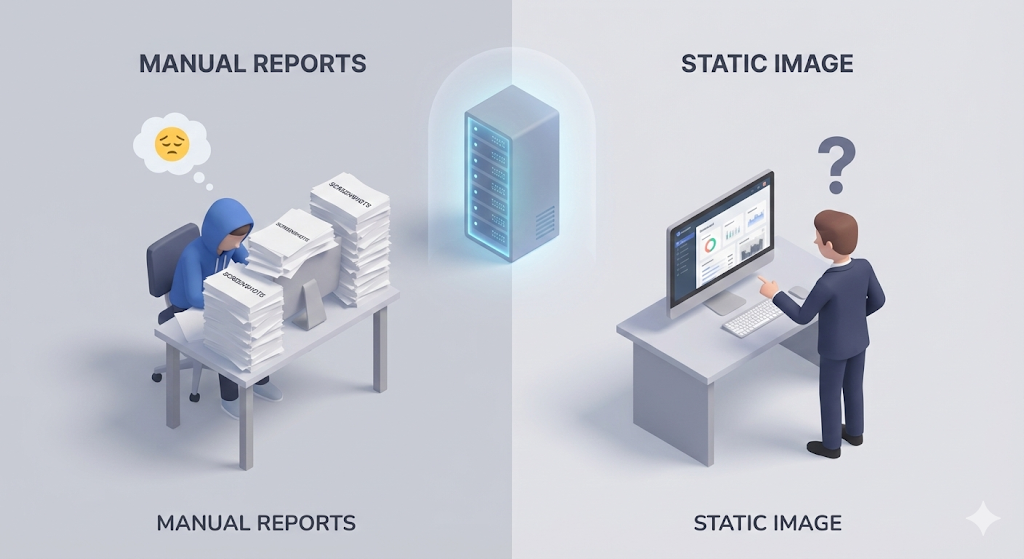
Every time I built a feature, I’d run it locally (on my computer), capture the screen, annotate it with red pen, and email a ‘report file (HWP/PPT)’ over and over. But static images alone couldn’t satisfy the officials.
“Oh, I think the previous feature was better. Please revert it.” “What happens when I press this button? Send me a video.”
Yesterday they liked A, today they want B. An infinite loop of editing code locally, recapturing, and rewriting reports. The situation became absurd: writing reports took longer than actual development.
I realized it desperately. ‘Instead of capturing my computer screen and sending it over, I need a playground (a dev server) where the official can come in directly and click around and break things to their heart’s content.’
Opportunity Comes by Chance: Rediscovering an Abandoned Server
As luck would have it, during a company spin-off process, our team was assigned a spare server (an empty machine). The specs weren’t great, but it had Linux installed and a public IP attached — a precious resource.
“Manager, can I use this leftover server? I’d like to set it up as a server for officials to verify their requirements.”
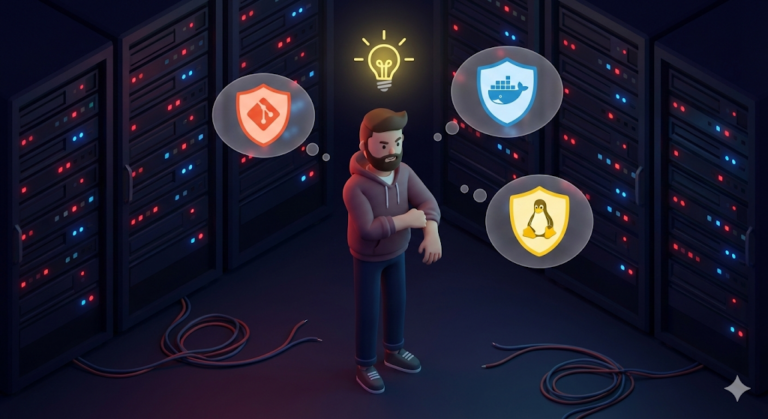
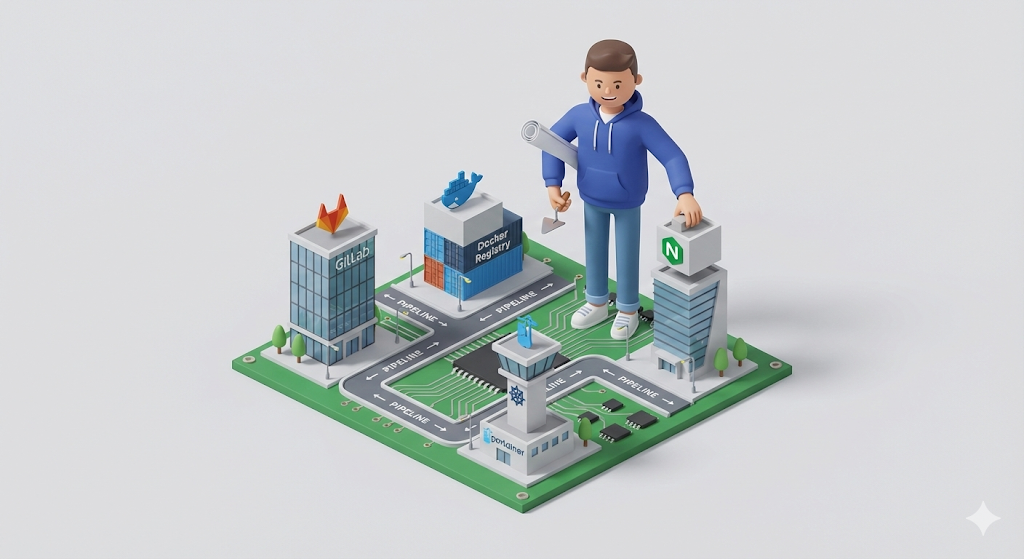
Permission granted. I poured every technique I’d learned so far into this empty-shell server and started building ‘my own little infrastructure empire.’ This was the culmination of months of grinding (the Works on My Machine & The Pipeline series).
- GitLab (Code Repository): Set up a private repository to keep the code safely managed.
- Docker Registry (Image Repository): Create our very own warehouse for storing built Docker images.
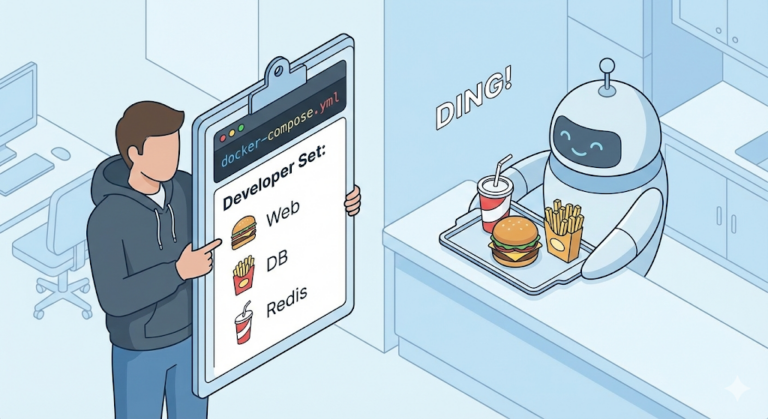
- Portainer (Container Management): Lets someone like me, who is still scared of the CLI, manage Docker through a GUI.
- Nginx (Web Server): Station a gatekeeper that directs the traffic of frontend and backend requests.
The Solution: Complete Environment Separation (Dev vs Prod)
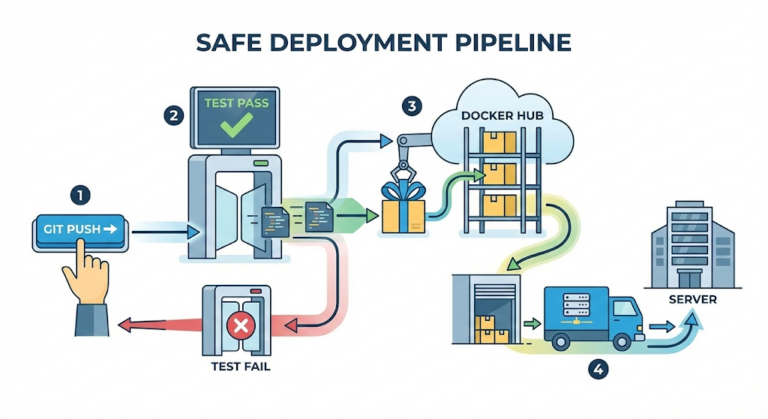
Now I had two stages (Servers). To accommodate the officials’ whims while protecting the production server, I separated my deployment strategy.
- Dev Server (Development): ‘A Free Experimentation Lab’
- The official doesn’t even get the chance to ask, “Is that done yet?”
- When code lands on the
developbranch, the pipeline runs immediately and it gets deployed automatically. - The official can visit the dev server URL anytime to test features and give feedback.
- Prod Server (Production): ‘The Verified Sanctuary’
- It gets deployed only when the official declares, “This feature is final!”
- The code is merged into the
masterbranch, and it gets deployed only when I go into GitLab and press the ‘deploy approval button’ (Manual).
[Code Verification] Restoring Order with Conditional Deployment
GitLab CI lets you specify different deployment paths per branch. Implementing this strategy in code looks like the following.
stages:
  - build
  - deploy

# 1. Build (shared)
build_job:
  stage: build
  script:
    - ./gradlew build
    - docker build -t my-reg/app:$CI_COMMIT_SHA .
    - docker push my-reg/app:$CI_COMMIT_SHA

# 2. Deploy to dev server (automatic)
# When code lands on the 'develop' branch, deploy without question.
deploy_to_dev:
  stage: deploy
  script:
    - ssh user@dev-server "docker service update --image my-reg/app:$CI_COMMIT_SHA app-dev"
  only:
    - develop

# 3. Deploy to production (manual approval)
# Even when code lands on the 'master' branch, nothing deploys until I press the button.
deploy_to_prod:
  stage: deploy
  script:
    - ssh user@prod-server "docker service update --image my-reg/app:$CI_COMMIT_SHA app-prod"
  only:
    - master
  when: manual # Key! It only runs when 'a human presses the button'.
Key points:
only: - develop: The dev branch always deploys automatically, no exceptions. Speed is everything.when: manual: The production branch gets a safety catch, where a human checks one more time and presses the button.
Closing: ‘Living Alone’ — Finally Complete
Now even I, a solo developer, have a complete system in place.
- Local: Build features on my own computer.
- Dev: One
git pushand it shows up on the dev server 5 minutes later. The official checks it firsthand. - Prod: Gather only the confirmed features and deploy them safely with a single click.
The me from my early days — firing up the capture tool, annotating HWP files, working overtime — is gone. When officials say “please change this,” I can now respond, “Sure, I’ve fixed it and pushed it to the dev server, please take a look,” and calmly sip my coffee. The system is working on my behalf.
With this, the long [Re: Booting] project comes to a close. From CS fundamentals through Linux, Docker, and the CI/CD pipeline. I hope the knowledge I built up by hitting my head against bare ground becomes a small beacon for ‘survivalist full-stack developers’ who are still struggling alone somewhere.