“Record Failed Attempts Too”
The audit log requirements for the system I help run (agricultural production history management, a regulated industry) included one clause that makes you tilt your head the first time you hear it: record failed attempts too. A log is usually a record of ‘things that happened,’ but this requirement asks you to write down things that only half happened: things that were attempted but failed, leaving no trace at all in the data. In a regulated industry, ‘who attempted what and failed’ is worth tracking too.
The more I thought about it, the more sense it made. The real test of an audit log isn’t its ability to record successes but its ability to record failures. And then a chill set in. This one line decides the last piece of the implementation. As we’ll see, databases have a time-honored promise, ‘if it fails, make it as if none of it ever happened,’ and a record of a failed attempt collides head-on with exactly that promise.
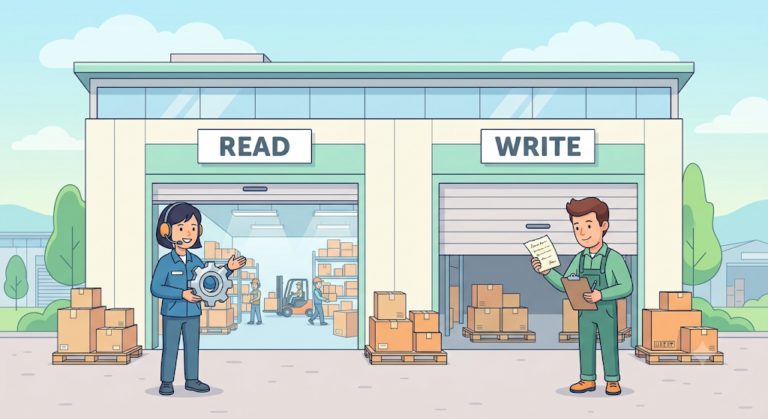
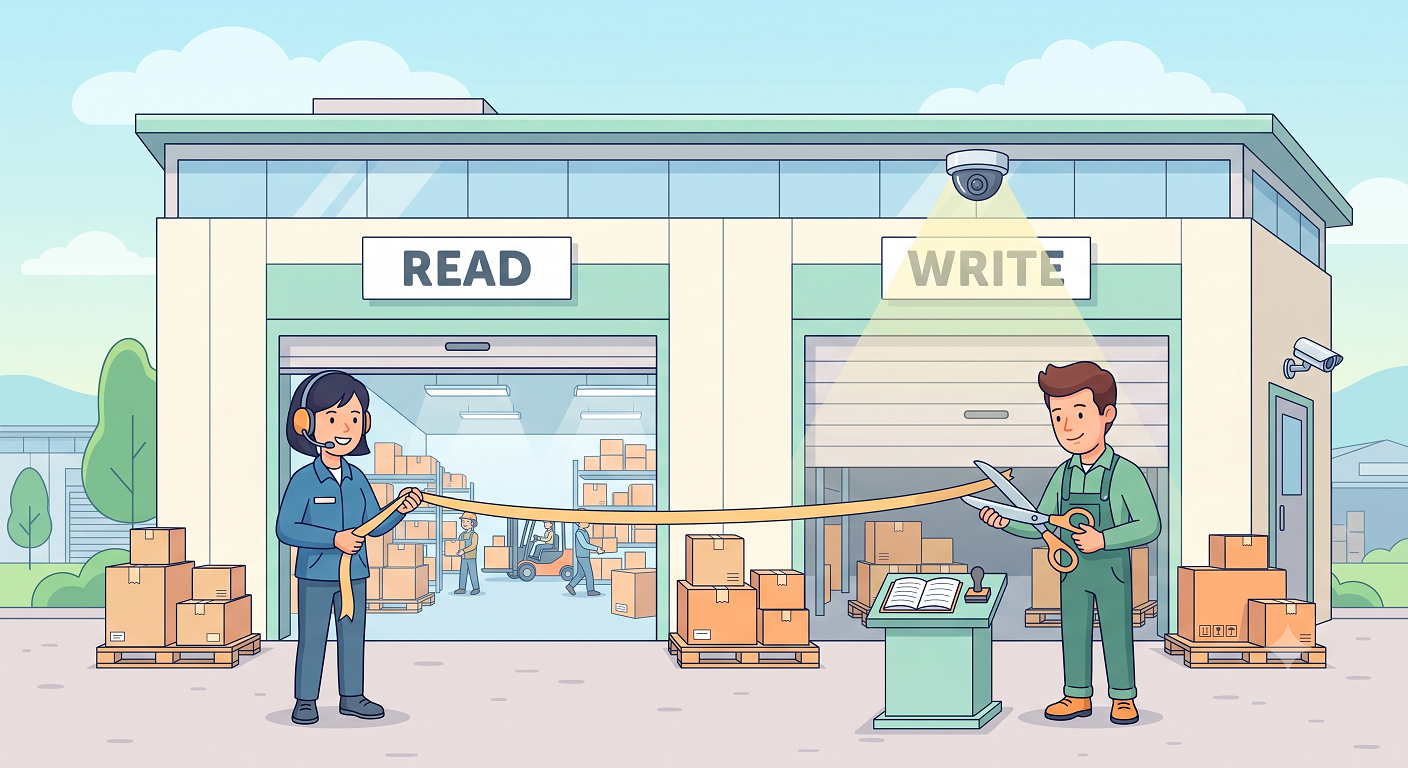
In series terms, today is the grand opening. In the first post, grep measurements drew the blueprint for the audit log: in the warehouse called the database, every write goes through a single door, JPA, so one CCTV camera above that door is all you need. In the case where I chased a culprit with a recursive query, I saw the limits of an investigation without a witness, and the last post was the autopsy of an incident that broke out mid-construction. That post ended with “the construction work to put the witness in place isn’t finished yet.” Well, now it is. Let’s take a walk around the finished building. There are three facilities, and the last room gives this post its title.
The Guestbook at the Front Door: Controller AOP
The tour starts at the front door. Every change starts with a user’s click, that is, a single HTTP request, so the first capture point is the moment a request enters the building. When a write-type HTTP request (POST/PUT/PATCH/DELETE) arrives, it signs the guestbook. The implementation is Spring AOP, a Spring feature that wraps shared behavior around specific method calls. Without touching a single line of controller code, it steps in at the point of entry and writes down three things: who (the user), where to (the URI), and where from (the IP). And it issues a UUID called trace_id for the entire visit.
trace_id is the quiet star of this design. There’s no guarantee that one click changes only one row in the DB. If you tie every change that happens in a request to the same UUID, you can later lay out exactly what happened: “this one click changed 4 rows.” It’s as if the guestbook signature gets stamped onto every CCTV frame that follows.
This guestbook is kept in ThreadLocal, storage that lets each thread hold its own value for the same variable, because any layer has to be able to pull out ‘the guestbook for this request’ while the request is being processed. If that word sends a chill down your spine, you’ve read the last post. We already paid the tuition for the lesson that filling code and emptying code come as a set, in that incident.
The guestbook is ready. Now for the camera.
The CCTV Camera Above the Write Door: Hibernate Interceptor
This is the very camera I promised in the first post. Hibernate Interceptor is a low-level hook Hibernate exposes so you can step in right before it executes INSERT/UPDATE/DELETE SQL. Implement three callbacks, and everything that passes through the write door gets caught on camera.
onSave, which catches INSERTs, and onDelete, which catches DELETEs, do exactly what you’d expect. The highlight is onFlushDirty, which catches UPDATEs. Let’s unpack the name first. Inside a transaction, JPA watches entity objects for changes. That watching is dirty checking, and the moment the changes it has piled up are turned into SQL and sent to the DB is the flush. onFlushDirty is called right at flush time and hands you the entity’s ‘previous state’ and ‘current state’ side by side. Compare the two, and you can pick out just the changed fields to build a before/after diff.
What I want to stress is where the camera is mounted. Changes to business code: zero lines. Nowhere in the save logic is there a line saying ‘write an audit log.’ You mount a camera above the door; you don’t slip one into the pocket of everyone who walks through. This placement was possible because the first post’s measurements guaranteed that “every write goes through this door.”
That said, the easiest thing to miss in a final inspection is the back door.
A Backup Camera at the Back Door: @Modifying AOP
The interceptor has a structural blind spot. @Modifying bulk queries, which UPDATE or DELETE many rows with a single SQL statement, skip the persistence context (the workbench where JPA watches objects for changes) and go straight to the DB. No entities are loaded, so there’s no dirty checking and no flush event. The interceptor’s callbacks are never called at all. It’s a back door that opens outside the CCTV camera’s field of view.
I had already counted how many of these back doors there were. The first post’s grep measurement: 49 of them scattered across 31 repositories. So I covered them with a separate AOP aspect. It intercepts calls to @Modifying methods and attaches their records to the same trace_id issued at the front door. You don’t eliminate a blind spot; you learn its coordinates and cover it, and the measurements had already drawn those coordinates on the map.
That covers collection. The records gathered at the three points are saved all at once when the request ends, success or failure, tagged with a status and an error message. Now for the last room on the tour: the archive.
The Archive: Why We Put It on a Separate Circuit
Let’s start with transactions. A transaction bundles several SQL statements into a single unit of work: ‘all succeed, or all are canceled.’ This all-or-nothing property is called atomicity. It’s the database’s oldest promise, the one that saves us from a world where the withdrawal goes through but the deposit doesn’t. I covered the basics and concurrency a while back in Transactions and Concurrency.
But for an audit log, this promise works in exactly the opposite direction. Let’s run a scenario. A user clicks the save button. The business logic changes a few rows, and the interceptor faithfully collects the records. Then an exception blows up in the final validation and everything rolls back. Atomicity, as promised, makes everything in the transaction as if it never happened, the INSERT of the audit records included. We need to record the failure, but the failure erases the record. The more an event is worth recording, the more reliably its record evaporates. This isn’t a bug: atomicity is doing its job perfectly. Put the witness in the same boat as the incident, and when the boat sinks, the testimony sinks with it. That’s all there is to it.
The answer is to put the record in a different boat. Think of an airplane’s black box: if it shared the aircraft’s fate, it would have no reason to exist. It’s equipment deliberately built apart from the plane so that it survives the crash. In Spring, the language for expressing this separation is transaction propagation, the rules for what to do when you hit another @Transactional method while a transaction is already open. The default, REQUIRED, means “if one already exists, join it”: carpooling, so to speak. REQUIRES_NEW pulls the outer transaction over onto the shoulder for a while (suspend), takes out a new car, and drives on separately. The actual save method is this one snippet (an excerpt from the real code).
@Transactional(propagation = Propagation.REQUIRES_NEW)
public void flush(AuditContext ctx, AuditStatus status, String errorMessage) {
    // Save the audit rows in a new transaction, separate from the business transaction
    repository.saveAll(rows);
}
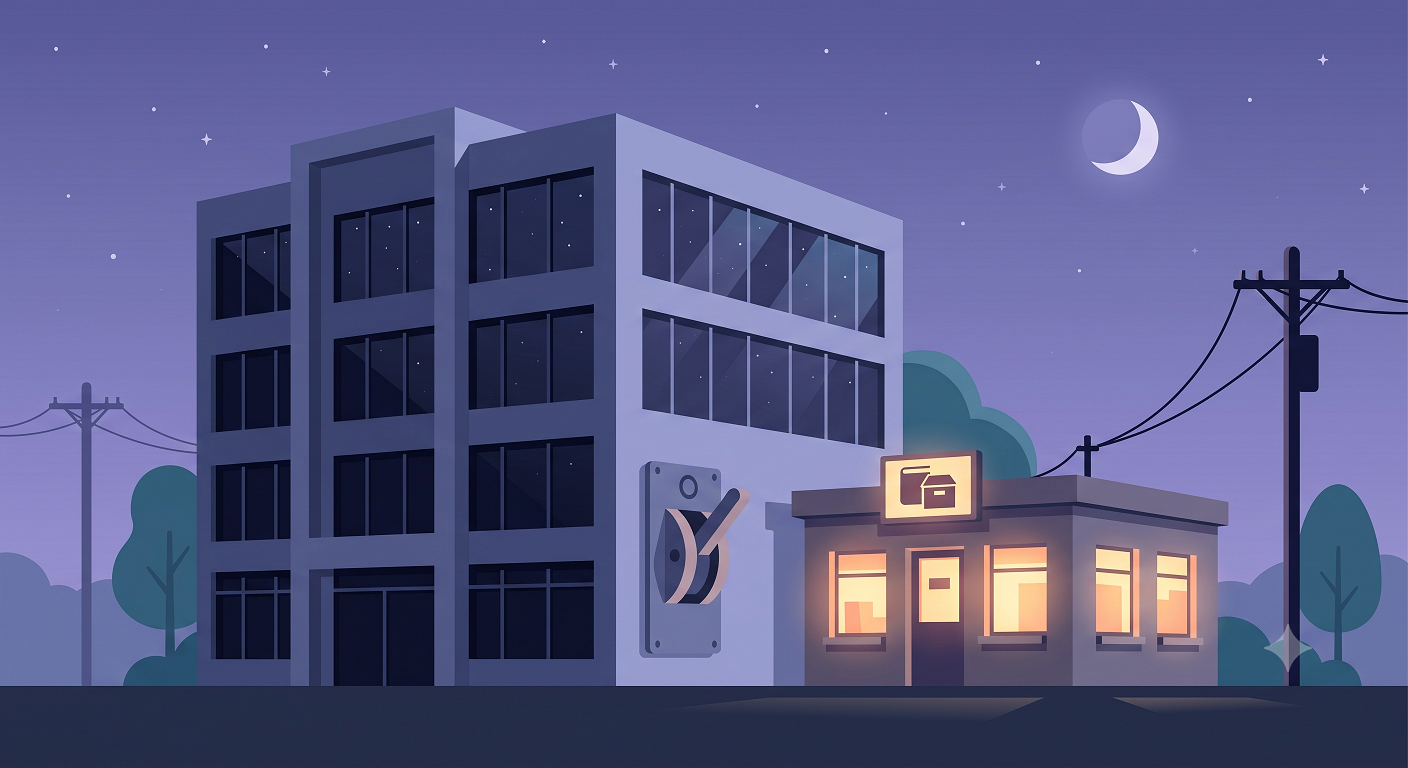
The shared name can be confusing: this flush isn’t Hibernate’s flush. It’s our own method that empties out the audit records collected during the request and saves them. Look at the signature again: status and errorMessage. This method never intended to accept only successes. It’s a container for writing down who attempted what, and why it failed. The audit rows saved inside it get their own transaction and their own commit. Even if the main transaction rolls back a moment later, records that are already committed don’t get erased. In building terms, the archive’s electrical circuit has been separated from the main building’s. Even when the main building trips the breaker (rollback), the archive’s lights stay on.
It all sounds tidy on paper. But this is the kind of thing you have to see to believe.
Reproduction: The Row That Survives a Rollback
I built a reproduction demo. The demo code and output in this series are written in English, because the execution captures get reused in every language version of the posts. The structure keeps only the skeleton of the incident: one business save, one audit record, one forced exception, and two scenarios that differ only in the propagation setting for the audit save. Below is the demo source as is.
@Transactional
public void attemptWithNewTxAudit() {
    repo.save(new BusinessRecord("order-2"));
    audit.recordNewTx("CREATE", "FAILED", "boom");
    throw new RuntimeException("boom");   // business transaction rolls back
}
// Scenario B: opens its OWN transaction — the real system's choice.
// Survives even when the caller rolls back.
@Transactional(propagation = Propagation.REQUIRES_NEW)
public void recordNewTx(String action, String status, String error) {
    repo.save(new AuditLog(action, status, error));
}
Scenario A differs only in calling recordSameTx, which uses the default propagation (REQUIRED), instead of recordNewTx. Here’s just the log-message part of the execution output, copied as is (the full output, timestamps included, is in the capture below).
### Scenario A — audit record joins the SAME transaction (default propagation)
business call failed: boom (transaction rolled back)
rows after A: business=0, audit=0   <- the audit record died with the rollback
### Scenario B — audit record in its OWN transaction (REQUIRES_NEW)
business call failed: boom (transaction rolled back)
rows after B: business=0, audit=1   <- the audit record survived
surviving audit row: action=CREATE, status=FAILED, error=boom

Scenario A is the default behavior you get if you wire this up without thinking. You can write your audit save code diligently and still have the record evaporate at every moment of failure, exactly the moments it was supposed to capture. The full reproduction code is in the demo folder of my study notes repository.
But this option isn’t free.
The Price of Breaking Atomicity
If you decide to use REQUIRES_NEW, three bills come with it.
First, two connections. ‘Suspend’ doesn’t mean ‘give back.’ The outer transaction stops and waits while still holding its connection, and REQUIRES_NEW takes one more connection out of the connection pool. If it’s called while the outer transaction is still alive, a single request is holding two connections at that moment. When the pool has room to spare, that’s not a problem, but when the pool runs dry, it can escalate into the worst kind of gridlock, where everyone holds their first connection while waiting for a second. Pool size and the number of audit points have to be calculated together.
Second, the self-invocation trap. @Transactional works by having Spring wrap the bean in a proxy (a stand-in object wrapped around the original) that intercepts method calls. So when a class calls one of its own methods, the call never goes through the proxy, and REQUIRES_NEW is ignored without a single line of error: instead of opening a new transaction, it quietly joins the main one. Records save just fine day to day, and then vanish along with everything else only on the days a rollback happens. You won’t notice until you actually run a rollback test. That’s why a method like flush has to be split out into a separate bean and called from outside the proxy.
Third, the decision to break atomicity itself. REQUIRED is the default for a reason. In most code, all-or-nothing is a shield that protects you from bugs, and the moment you split a transaction, you lower that shield yourself. You also take on the question from the other direction: if the audit save fails, what happens to the main business operation? Where to cut atomicity is decided by requirements, not patterns. Our requirement was ‘record failed attempts too,’ so we cut it.
Final Inspection
The recursive query case ended with this question: “When the next culprit shows up, can you present eyewitness testimony instead of circumstantial evidence?” Now I can answer it. The guestbook at the front door stamps a trace_id on every click, the CCTV camera above the write door records the before/after of every changed field, the backup camera at the back door covers the 49 bulk queries, and the archive runs on a circuit separate from the main building, so its lights stay on even through a rollback blackout. The question I finally gave up on in that case, standing in front of a six-year-old row (whose hands, and why), has an answer from now on. Zero lines of business code changed, three capture points, one transaction split. That’s the entire spec of the finished building.
If I had to pick one thing to take away from this construction project, it’s a way to remember propagation. Memorize the options as a table and you’ll soon forget them. Remember them through a single question, ‘Does this record need to share the fate of the main operation?’, and you’ll never have to look up REQUIRED and REQUIRES_NEW again. If it should die together, join; if it has to survive on its own, split. As a side note, transactions, atomicity, and COMMIT/ROLLBACK are also regulars on SQLD (a Korean SQL certification). My summary is in the transactions chapter of my study notes (in Korean).
Looking back as the tour wraps up, there is one room left, actually. The place where all these records finally come to rest: the table itself. If these are records that survive even a rollback, shouldn’t the table they pile up in be built just as seriously? But who designs that table? It wasn’t ddl-auto, at least.